
IRUAV APP New Installation Feature Now Available
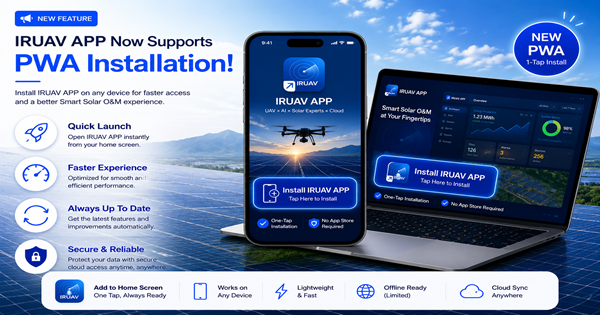
IRUAV APP now officially supports PWA (Progressive Web App) installation. Users can install IRUAV APP directly on their desktop computers, smartphones, or tablets, and use their device’s password-saving feature for faster login, reducing the need to repeatedly enter account credentials. This provides a faster, more convenient, and professional Smart Solar O&M cloud-based service experience.
Windows Installation Guide
Open the IRUAV APP website (app.iruav.com.tw) using Chrome or Microsoft Edge. On the login page, click [Install IRUAV APP]. When the browser displays the installation prompt, click [Install] to complete the installation. Once installed, IRUAV APP can be launched directly from the Windows desktop or Start menu, providing an app-like experience and automatically staying up to date with the latest version.
iPhone Installation Guide
Open the IRUAV APP website (app.iruav.com.tw) in Safari. Tap the Share [⇧] button at the bottom, select [Add to Home Screen], and then tap [Add] to complete the installation. Once installed, the IRUAV APP icon will appear on your iPhone Home Screen. You can launch it directly for an app-like experience, and it will automatically stay updated to the latest version.
Android Installation Guide
Open the IRUAV APP website (app.iruav.com.tw) in Chrome. If an [Install App] prompt appears, tap [Install]. If the prompt does not appear, tap ⋮ in the upper-right corner and select [Install App] or [Add to Home Screen] (the option may vary depending on the phone model). Confirm to complete the installation. Once installed, the IRUAV APP icon will appear on the Android Home Screen. You can quickly launch and use it just like a regular app, and it will automatically update to the latest version.